I2 Game India: Mobile Access, Accounts and Practical Guides

I2 brings mobile game categories and account tools into one destination. This independent India guide explains the interface before you register, install software or enter payment details; it does not promise winnings, bonuses or uninterrupted access.
Prepaid data, shared handsets and dual-SIM phones can change the setup experience. Use the checks below to separate a device issue from an account question.
Start With Three Quick Checks


Confirm the address. Read the complete domain before entering a mobile number.
Check the device. Note the operating-system version, free storage and browser name.
Read current terms. The live service decides eligibility, available games, offers and account requirements.
Using I2 on an Indian Phone
Android users may be offered an APK rather than a Play Store page. Compare its file name, publisher details and requested permissions with the information shown at the destination. Stop and investigate if Android displays a security warning.
On iPhone, access may happen through Safari or a home-screen shortcut. Our device access guide covers both routes, including low storage, interrupted transfers and limited data packs.
Protect Your Account Details
Check whether +91 is already selected before entering a ten-digit Indian number. On a dual-SIM handset, make sure the registered SIM can receive the OTP. Use a unique password and never send an OTP, password or UPI PIN to anyone offering account activation.
On a shared phone, inspect the profile name after sign-in and log out when finished. Recover an existing profile through the provider instead of opening another one.
Read the Game Screen First
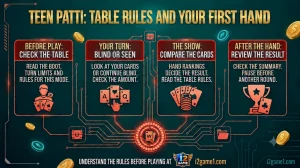
A familiar title does not guarantee identical rules. Table limits, timing, scoring and settlement can vary. The Teen Patti guide covers boot, blind, seen and show labels; the Aviator guide explains round stages and why earlier multipliers do not predict the next result.
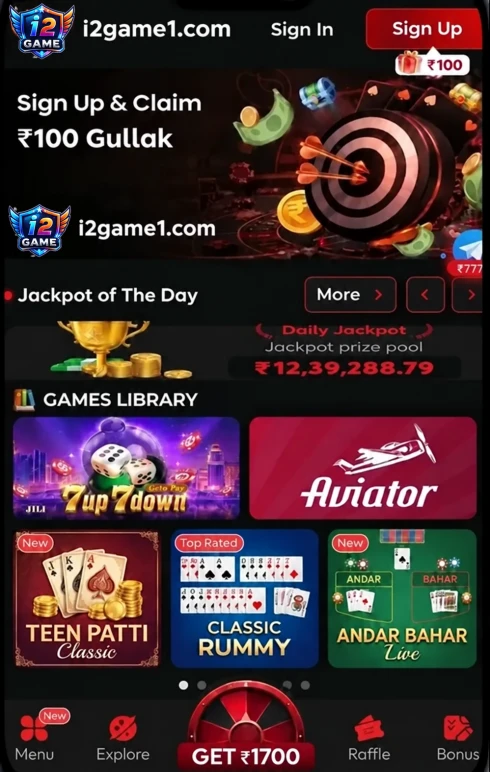
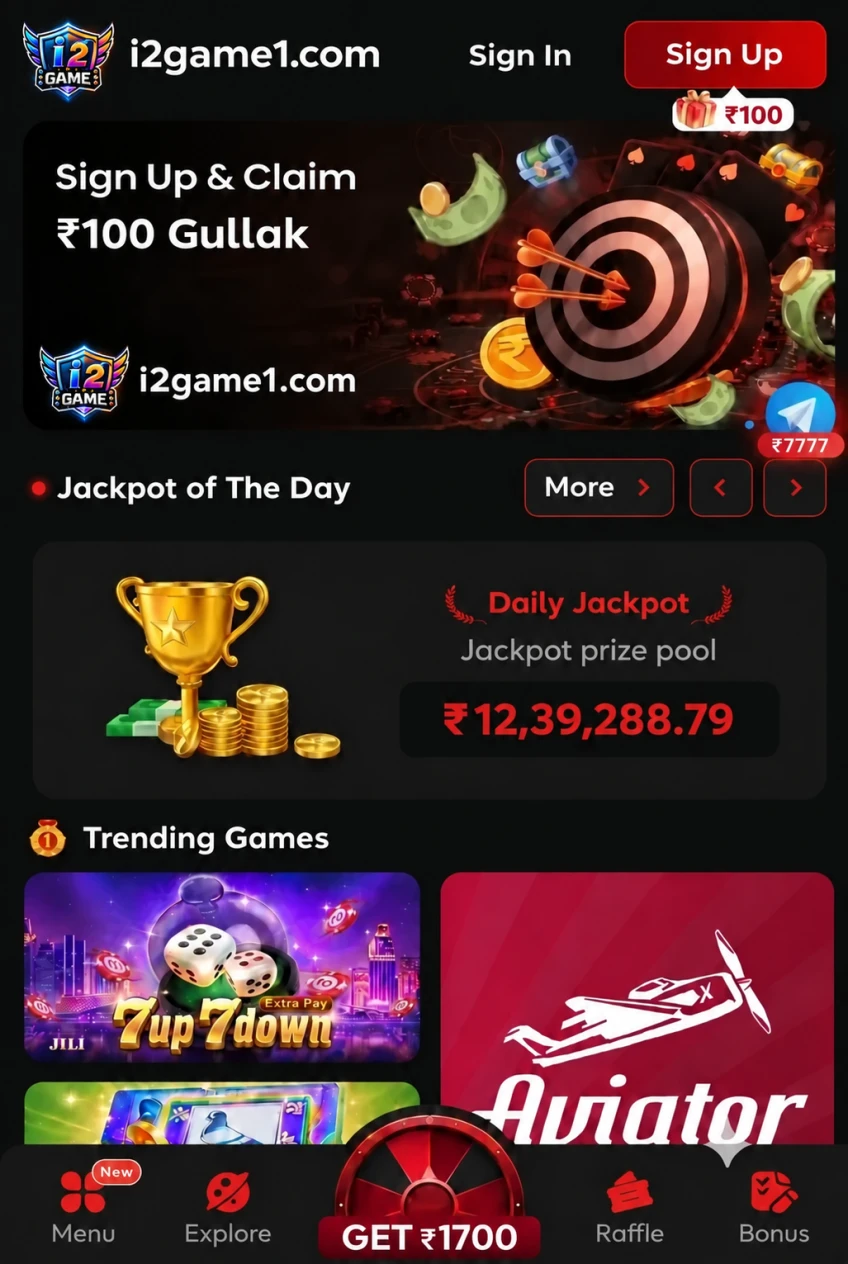
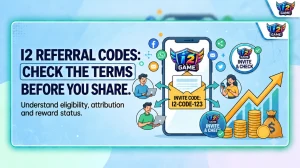
A displayed promotion can be a demo value, restricted credit or conditional reward. Read the I2 invitation guide before treating any referral entry as usable credit.
INR, UPI and Transaction Records
Before approving an eligible payment, verify the payee and ₹ amount inside the payment app. Keep the UPI PIN private. Save the provider reference, bank reference and IST time when a status remains pending.
I2game1.com does not hold player funds or control account decisions. Deposit, withdrawal and verification questions belong with the service managing the account.
Keep Entertainment Within a Plan
Set aside rent, food, school fees, transport and EMIs before optional entertainment spending.
Choose a finish time before rapid rounds begin and stop when the alarm sounds.
Do not increase spending to recover a previous result.
Check age and local requirements; technical access does not establish permission.